
The ‘X’ symbol generally represents a mark, multiplication, or a crossing, varying by context, including text, symbols, and emojis. This article explains its different types, meanings, and uses.
Readers will learn about the diverse forms of the ‘X’ symbol, how it is applied across contexts such as digital text, mathematics, and visual communication, and how to choose or customize it for various purposes.
What Is the 'X' Symbol and Its Basic Meanings
The 'X' symbol is one of the most versatile and widely recognized characters used across various contexts, from everyday symbols to complex coding systems. Its fundamental attribute is its ability to represent an array of concepts such as negation, marking, multiplication, or a placeholder. Understanding the different types and meanings of the 'X' symbol requires examining its various cultural, technological, and symbolic uses.

1. Common interpretations (e.g., cross mark, multiplication, placeholder)
In everyday usage, the 'X' often signifies negation or incorrectness, such as a checkmark’s opposite, commonly seen in marking errors or dismissals. It is also used as a cross mark (✗) in voting ballots or to denote something that is wrong. In mathematics and science, the 'X' frequently symbolizes multiplication (×), serving as a simple operator for multiplying two numbers or quantities. Additionally, in digital contexts, 'X' is often employed as a placeholder or symbol for an unknown or variable element in formulas and programming scripts. These uses make the 'X' essential for clear communication when indicating errors, choices, or unknown variables.
2. Cultural variations in symbol meaning
Culturally, the interpretation of the 'X' can differ significantly. In Western societies, it commonly represents a negation or a wrong answer, such as in multiple-choice tests or voting ballots. Conversely, in some Asian cultures, an 'X' can serve as a symbol of cancellation or prohibition, such as a crossed-out icon indicating “not allowed.” In digital and social media, variations include decorative 'X' symbols used in emojis, stylized letters, and icons for aesthetic or branding purposes. The cultural context often influences whether the 'X' is perceived as a negative mark, a symbol of exclusion, or an element of stylistic expression.
Categories and Types of X Symbols
Understanding the various forms of the “X” symbol and their applications requires examining their technical encodings, visual styles, and typical uses across different contexts. These symbols can be broadly categorized into text characters, emojis, shape and mark symbols, and stylistic variants. Each type serves specific purposes in digital communication, design, and branding, and choosing the appropriate form depends on the intended message and platform compatibility.
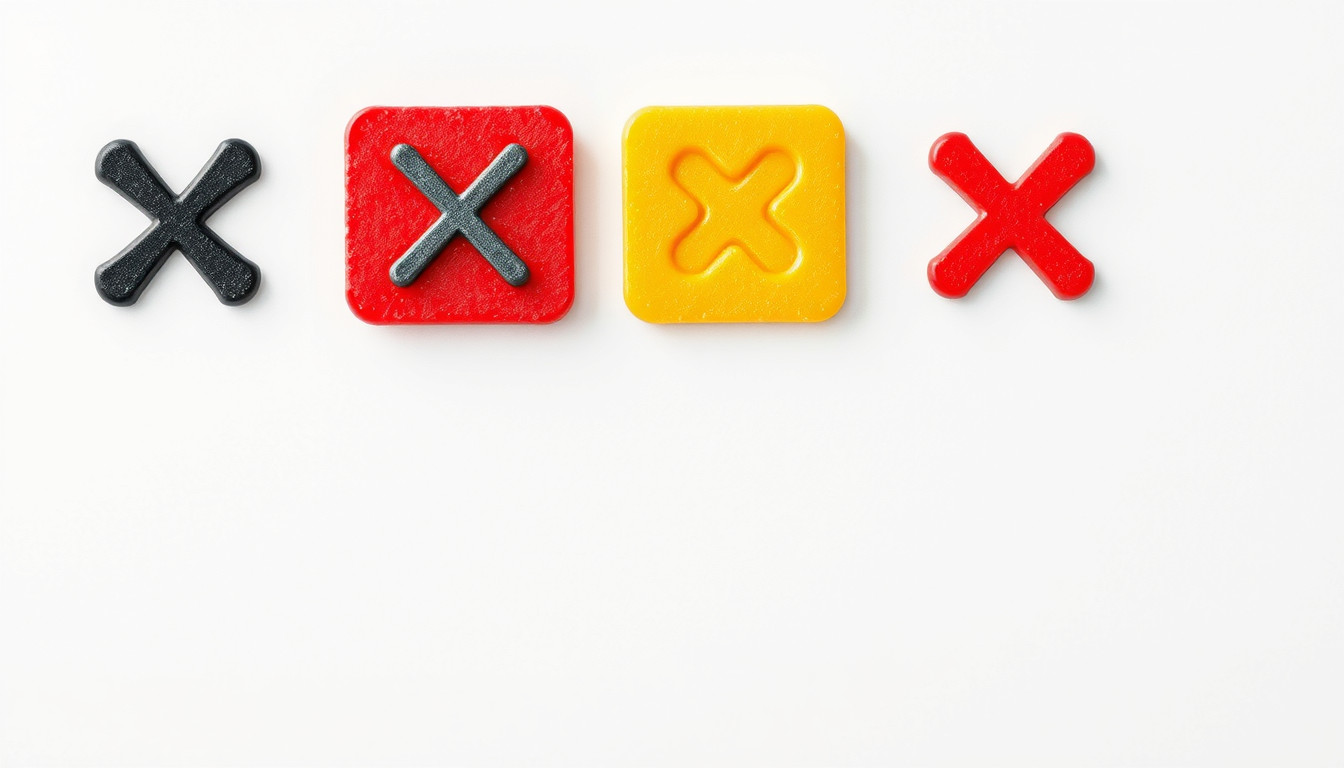
1. Text-based X symbols and Unicode
Attribute: Unicode code points | Examples: U+0078 (x), U+00D7 (×), U+2716 (✖), U+274E (❎) | Styling options: varying font styles (bold, italic), size adjustments, and color modifications through CSS or styling attributes
These characters are essential for plain text environments such as programming, markup, or simple documentation. Their encoding allows consistent rendering across devices and platforms, though their visual appearance can vary with font selection and styling.
Table of Contents
2. Emoji X representations
Attribute: Unicode code points | Examples: U+274C (❌), U+274E (❎), U+1F5D1 (🗑️), U+2716 (✖️) | Styling options: emojis are typically fixed in style but can be resized, colored, or animated depending on platform capabilities
Emojis provide a vibrant, recognizable way to communicate emotions, actions, or statuses visually. They are widely used in messaging, social media, and user interfaces, often conveying a concept more immediately than text or static symbols.
3. Shape and mark symbols
Attribute: Unicode code points | Examples: U+2718 (✘), U+2613 (☓), U+2B55 (⛔), U+1F6AB (🚫) | Styling options: these symbols can be styled with CSS for size, color, and positioning; some may be used as icons or indicators in graphical interfaces
Shape and mark symbols are often used to denote errors, cancellations, prohibitions, or selections. Their simple geometrical form makes them effective in user experience design, particularly when combined with color cues (e.g., red for error).
Choosing among these categories depends on the context: text characters ensure compatibility, emojis add expressive flair, and shape symbols deliver clear visual indicators. For digital branding or UI elements, stylistic variants and customization provide further flexibility for aesthetic consistency and emphasis.
Styling and Customizing X Symbols
Customizing the appearance of X symbols allows for enhanced visual appeal and functional clarity across various digital contexts. Whether used in graphic design, user interfaces, or social media, adjusting size, color, and background can make these symbols more aligned with specific themes or readability requirements. Several tools and methods enable precise control over these attributes, providing flexibility for both aesthetic and practical applications.
1. Size adjustments and font styles
Changing the size of an X symbol can be achieved through HTML or CSS for digital use. For example, setting the font-size property adjusts the symbol’s dimensions relative to surrounding text. Font style choices, such as bold or italic, can further emphasize the symbol or match branding elements. Some platforms or symbol libraries also offer pre-designed variants with different font styles, making it easier to find the perfect look without additional customization.
2. Color options in digital platforms
Color customization is straightforward on most platforms, utilizing CSS or inline styles. Applying a color property changes the symbol’s hue, which can help indicate status (e.g., red for errors) or simply enhance visual harmony. Many online tools also provide color pickers, allowing users to select specific shades or match color schemes from their designs. The ability to quickly switch colors enhances both aesthetic consistency and functional clarity.
3. Background and border customizations
To create more visually distinctive symbols, background and border styling can be applied. Adding a background color behind the X symbol makes it stand out, especially when placed over contrasting backgrounds. Borders can frame the symbol, offering a clean separation from surrounding content or adding decorative elements. Properties such as background-color, border, border-radius, and padding can be combined for tailored effects that suit various design needs.
Tools like HTML editors or online symbol customizers typically feature sliders and color pickers for these attributes, enabling real-time previews. Practical scenarios include designing icons, highlighting choices in interfaces, or creating branded visual elements where specificity in size, color, and background directly impacts usability and visual harmony.
How to Copy, Use, and Incorporate X Symbols
Inserting the X symbol (Ⓧ, ✗, ✘, or ✖) into digital documents, social media posts, or coding projects requires understanding sourcing, copying, and appropriate contextual application. These symbols range from simple text characters to stylized icons used for marking, emphasizing, or decorative purposes. Using them effectively involves knowing where and how to access these symbols, the best methods for copying and pasting, and applying platform-specific tips to maintain visual clarity. Additionally, selecting the right form of the X symbol depends on its intended meaning—such as a checkmark substitute, a negation indicator, or a decorative element—ensuring clear communication and visual consistency across different media.
1. Copy and paste techniques for text, emoji, and icons
- Most X symbols are available directly from symbol libraries on websites like SymbolSelect, MadeInText, and SymbolsDB, where clicking a symbol copies it to the clipboard for immediate pasting.
- Alternatively, Unicode representations such as U+78 for the standard lowercase ‘x’ or ALT codes (like ALT+0215 for multiplying ×) can generate symbols on Windows when entered via the numpad with the ALT key pressed.
- Using keyboard shortcuts or context menu options (copy and paste) remains the most straightforward method across platforms.
- For mobile devices, long-pressing the symbol on websites or in apps usually brings up a copy option for quick transfer into the desired text area.
2. Platform-specific tips (Windows, Mac, mobile)
- Windows: Use ALT codes or copy symbols from online sources; ensure Num Lock is active.
- Mac: Use character viewer by pressing Control + Command + Space and searching for ‘X’ or related symbols.
- Mobile: Access symbols via third-party keyboard apps or by copying from online text generators; some keyboards automatically support common symbols.
3. Best practices for clarity and aesthetics in communication
- Match the style of the X symbol to the context: a simple lowercase ‘x’ for casual notes, a heavy or stylized X for emphasis.
- Be aware of rendering limitations—some symbols may not display correctly in all fonts or platforms, potentially leading to miscommunication.
- Use symbols consistently within a document or across related media to maintain visual coherence.
- Consider accessibility; avoiding overly complex or decorative symbols can improve readability for screen readers and users with visual impairments.
- When coding, ensure Unicode compatibility and test symbols in the target environment to avoid formatting issues.
Frequently Asked Questions
1. What is the most important thing to know about the x symbol?
The x symbol is highly versatile and serves different purposes, including marking errors, representing multiplication, or indicating a placeholder, depending on the context.
2. What should I check first?
Verify the context in which the x symbol appears to understand its intended meaning—whether as a negative mark, mathematical operator, or visual icon.
3. What commonly causes problems?
Problems often occur when the symbol’s meaning is unclear across different cultures or when platform compatibility issues alter its visual presentation.
4. What is the safest next step?
Use standard Unicode or well-supported emojis to ensure consistent appearance and interpretation across devices and platforms.
5. How long should I expect this to take?
Adjusting or customizing an x symbol typically takes seconds for basic styling; more complex changes or troubleshooting might require several minutes.
6. When should I use a different approach?
Choose an alternative symbol when a clearer or more universally understood icon better suits your message, such as a checkmark for approval instead of an X for error.
7. When should I ask a qualified expert?
If you need to ensure symbols are culturally appropriate, accessible for all users, or conform to specific design standards, consult a graphic designer or UX specialist.